A library of 15 camera movements
Fifteen camera-movement prompts for AI video — crash zooms, dolly moves, orbits, crane and handheld shots — each with its five-part recipe and a still from the demo clip. Part three of the fashion-prompt system
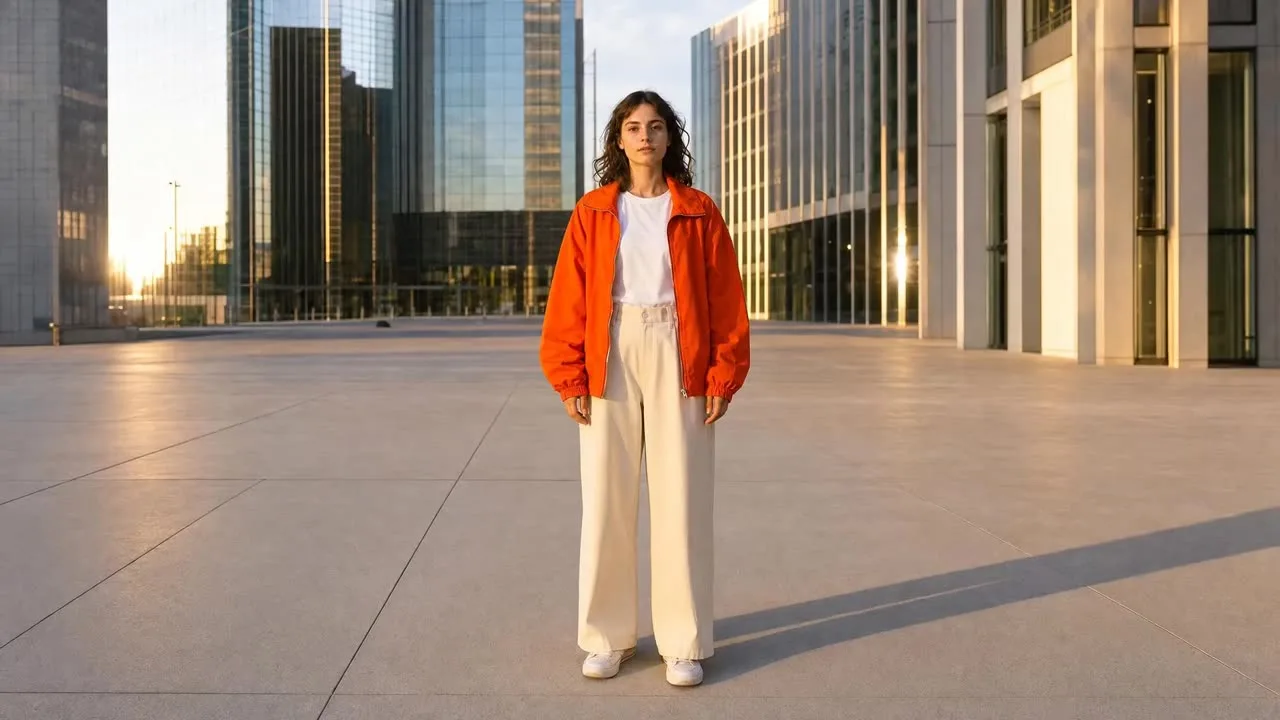
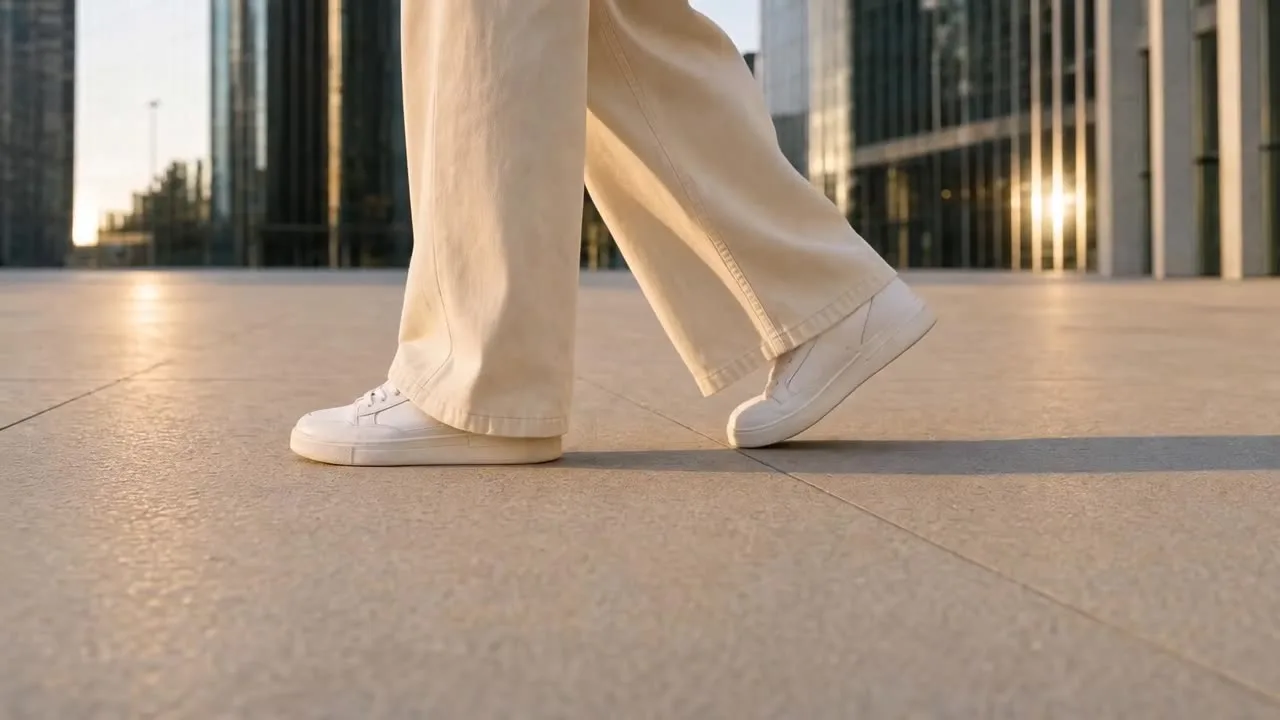
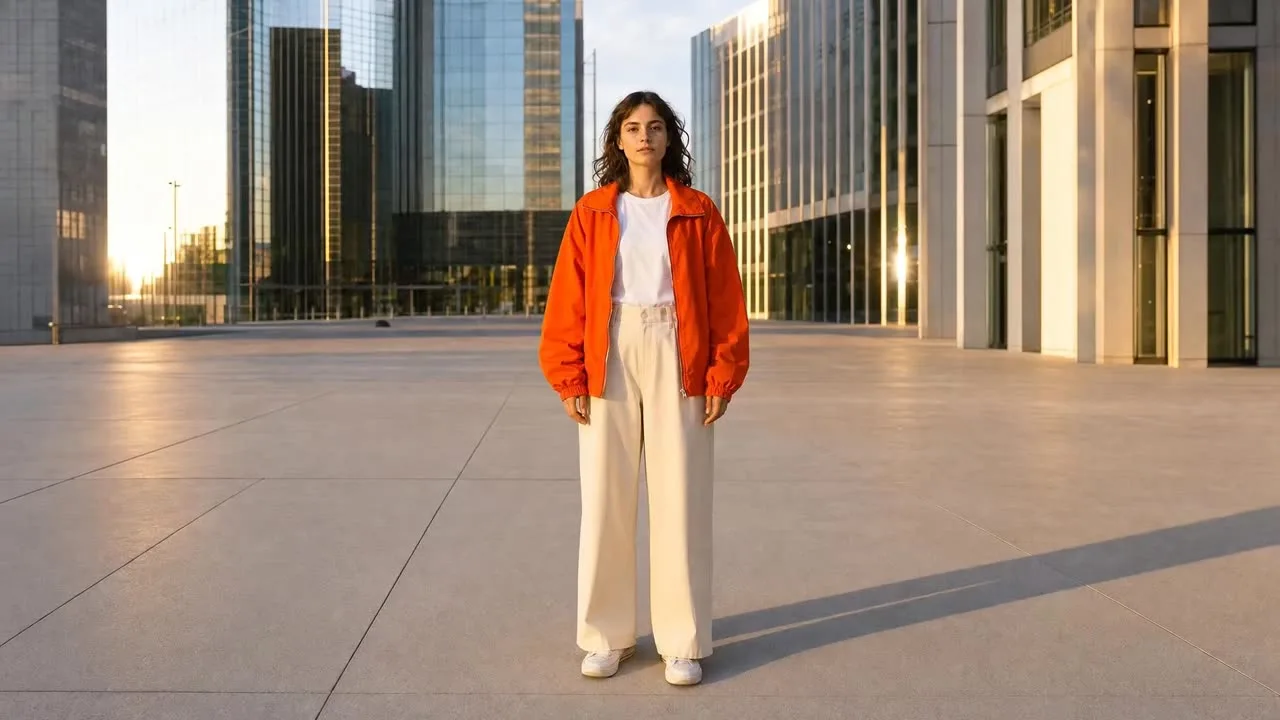
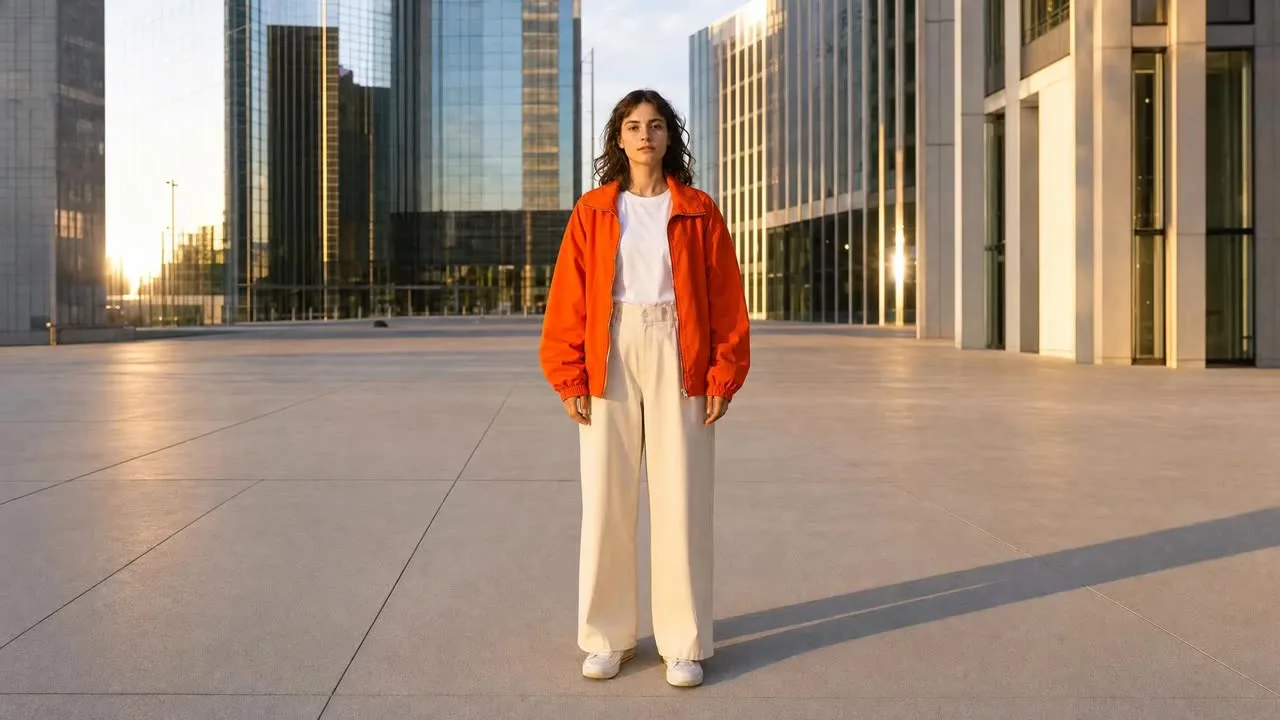
Fifteen camera movements for AI video, each card a five-part recipe — the Move, the Camera action, the Pace, what to Lock (keep stable), and how to Resolve (where the shot ends) — with a still from the demo clip and a copy button. Filter by family: zoom, dolly, pan/tilt, orbit, crane/drone and handheld/POV. Each has a duration; the live library plays every clip. Completes the pose and angle libraries.
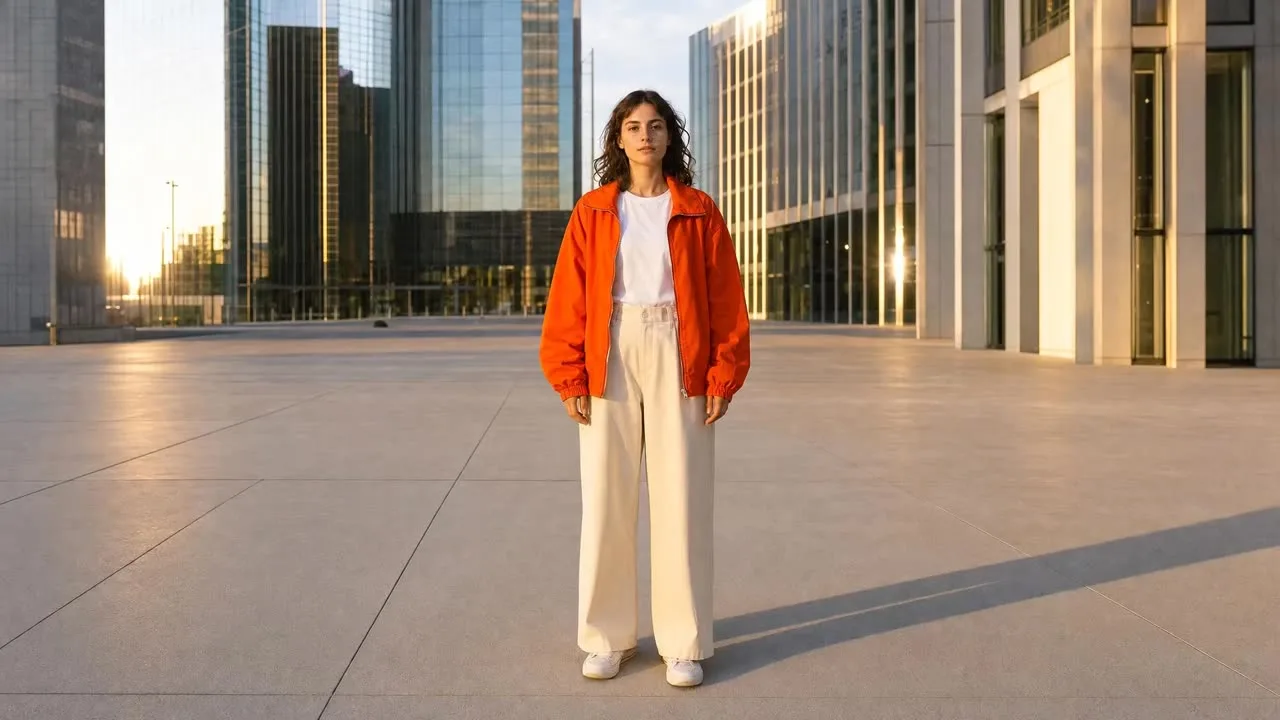
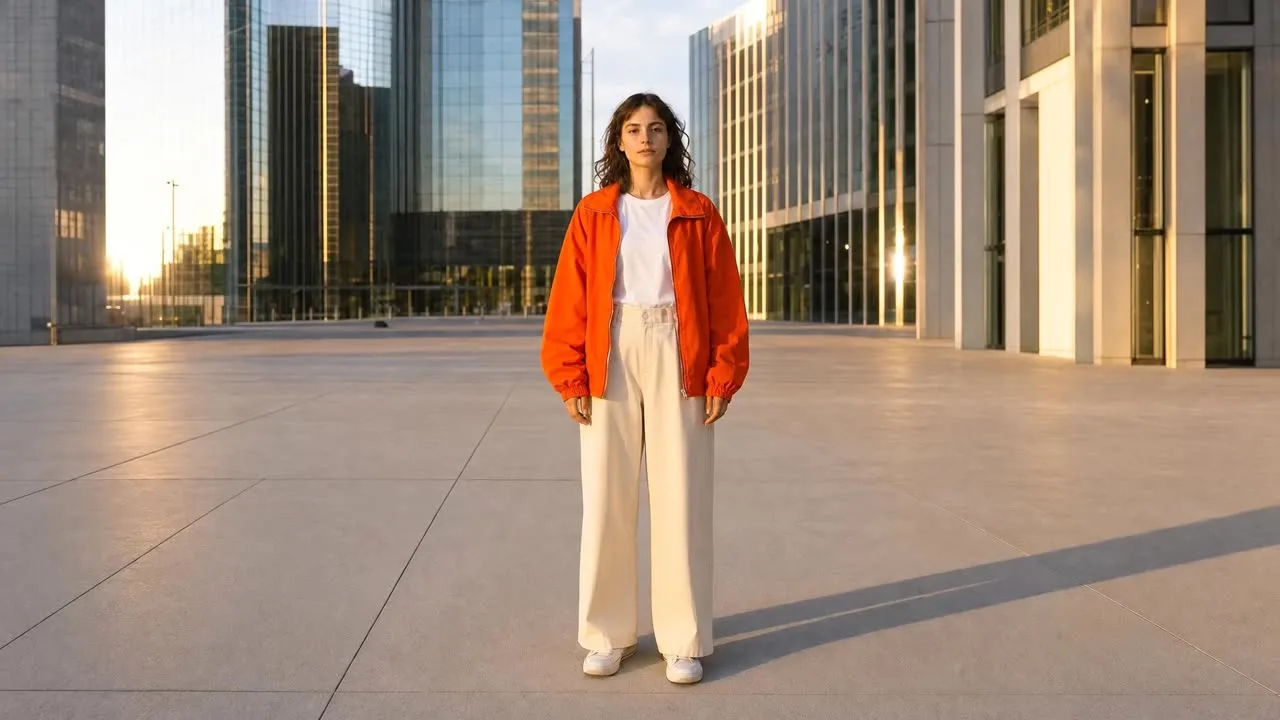
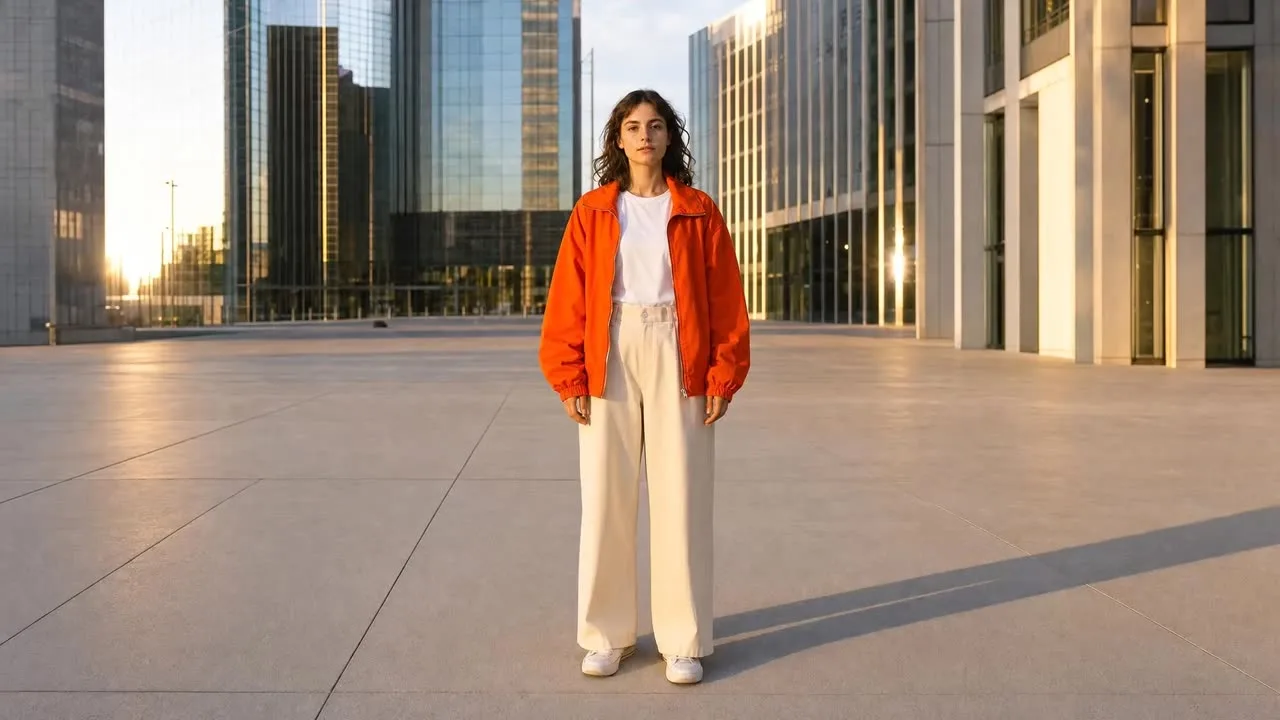
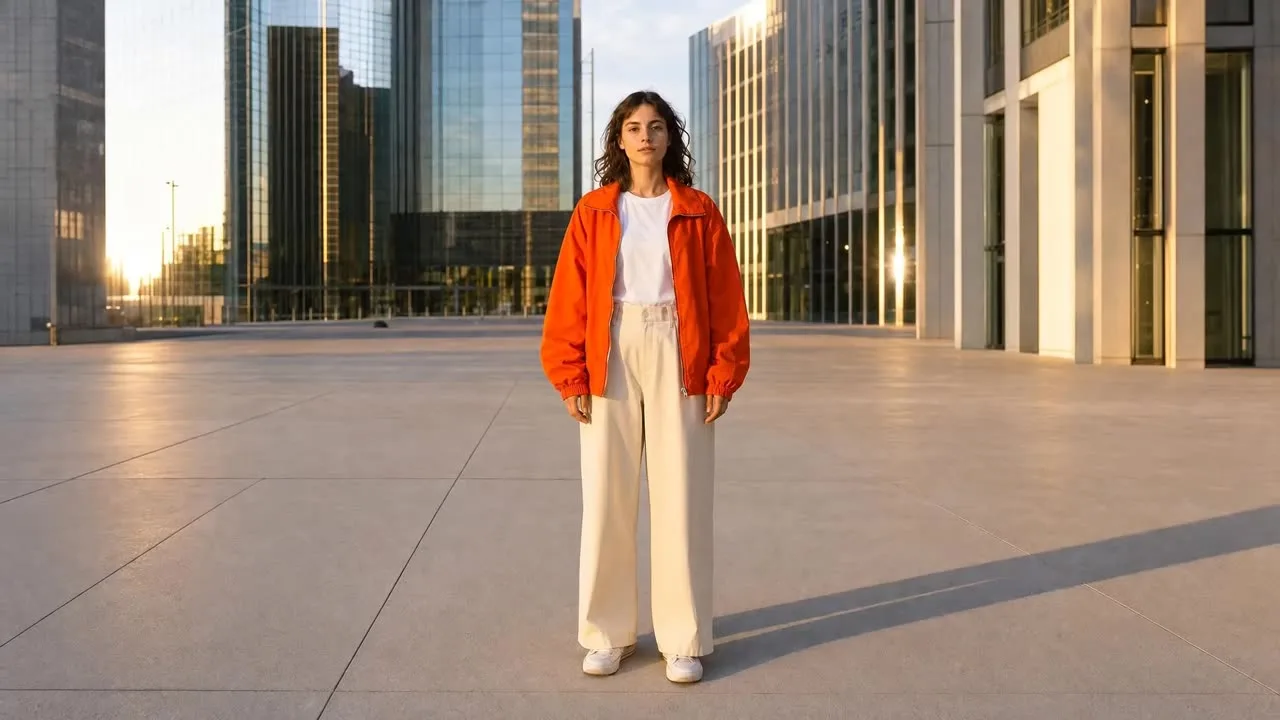
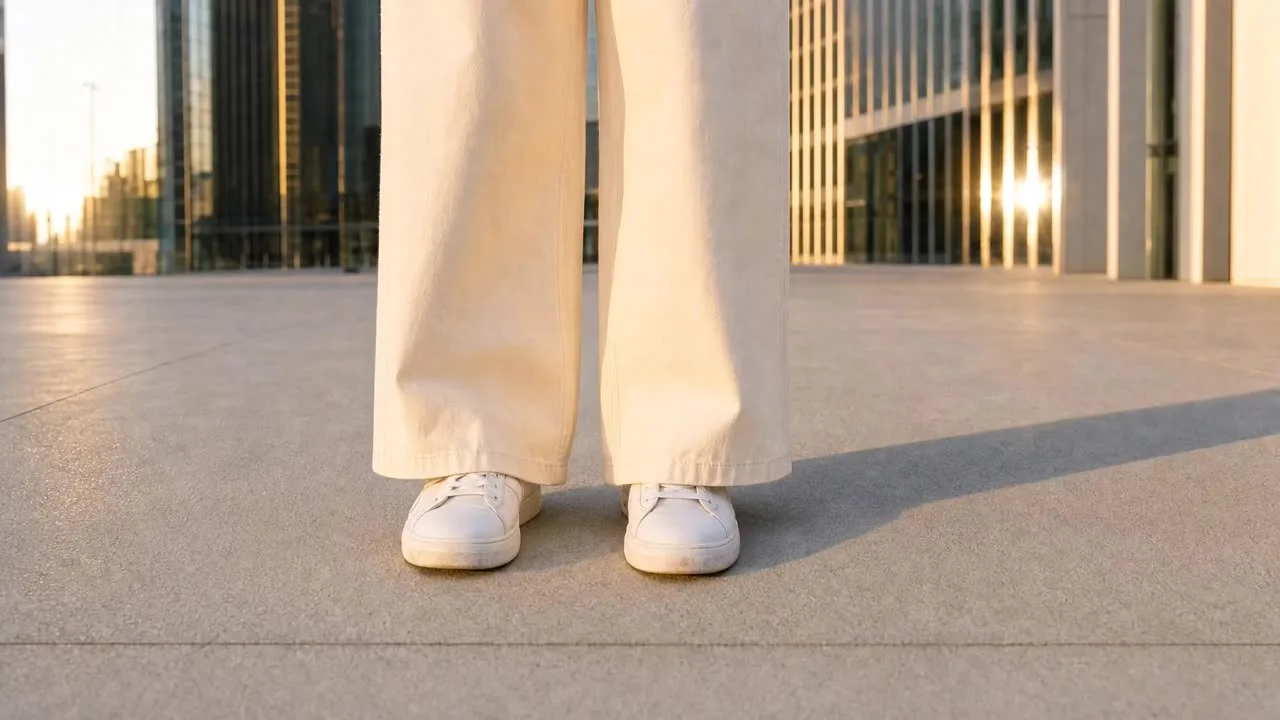
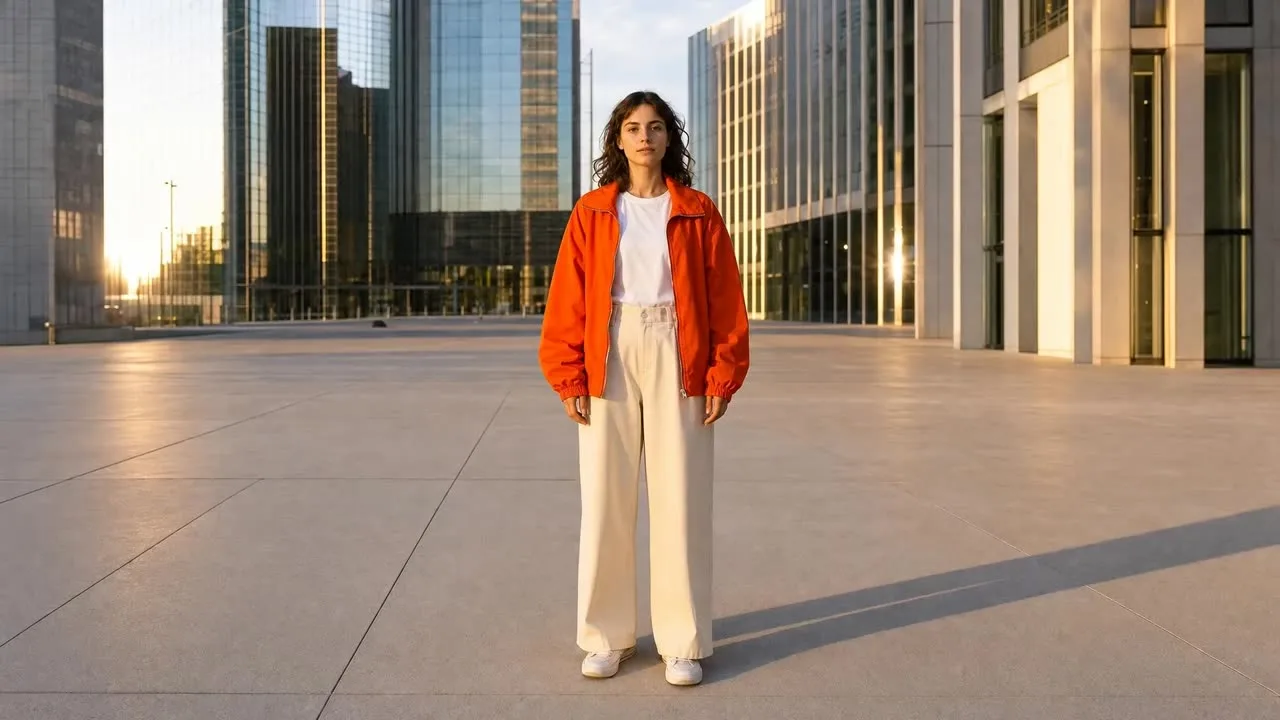
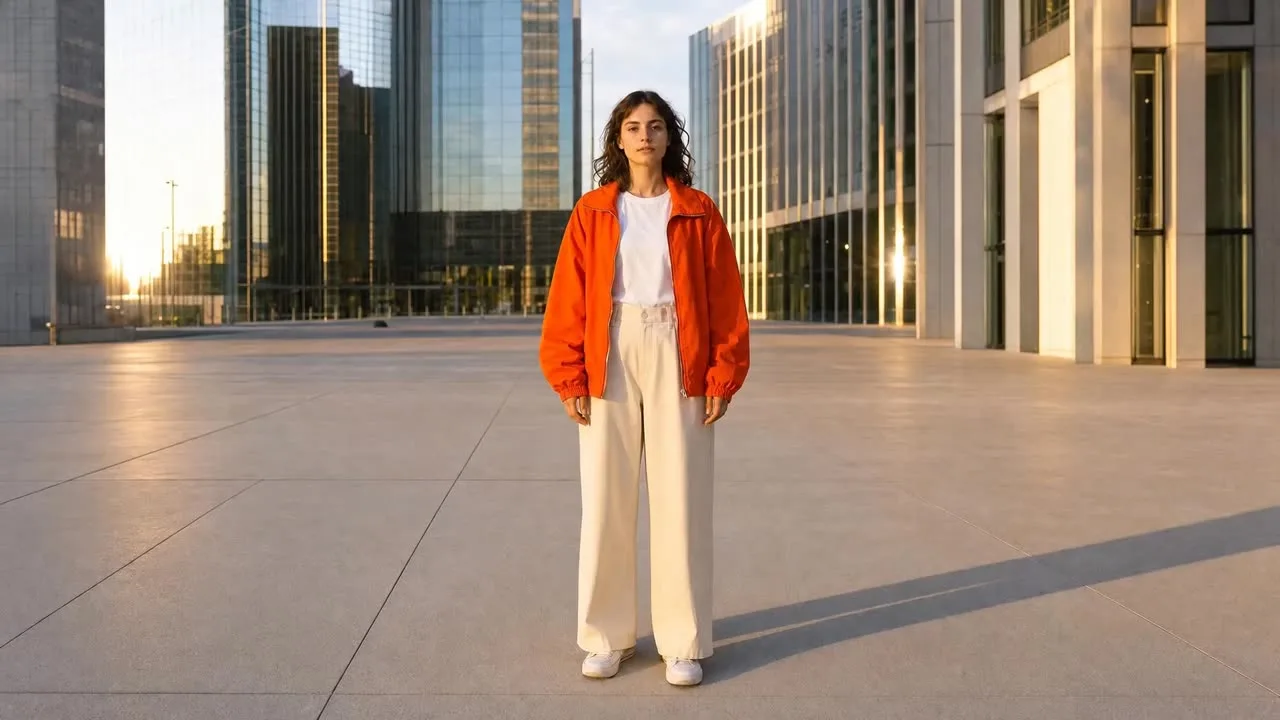
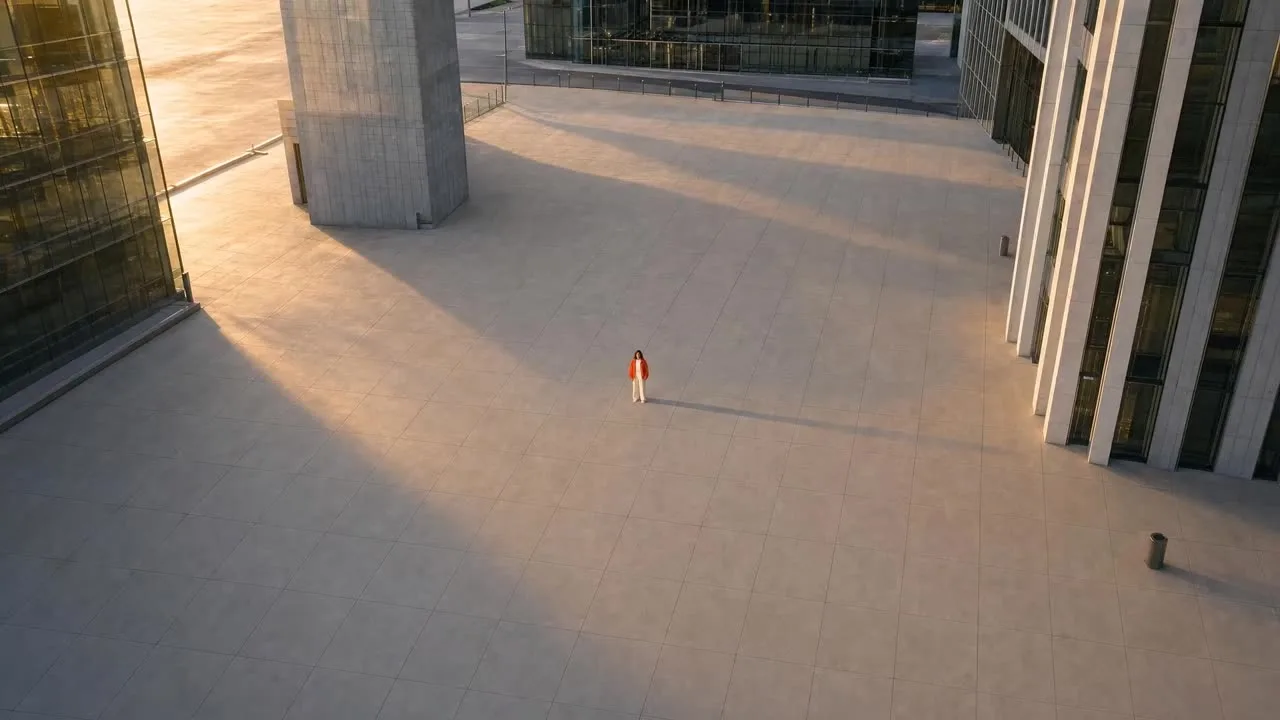
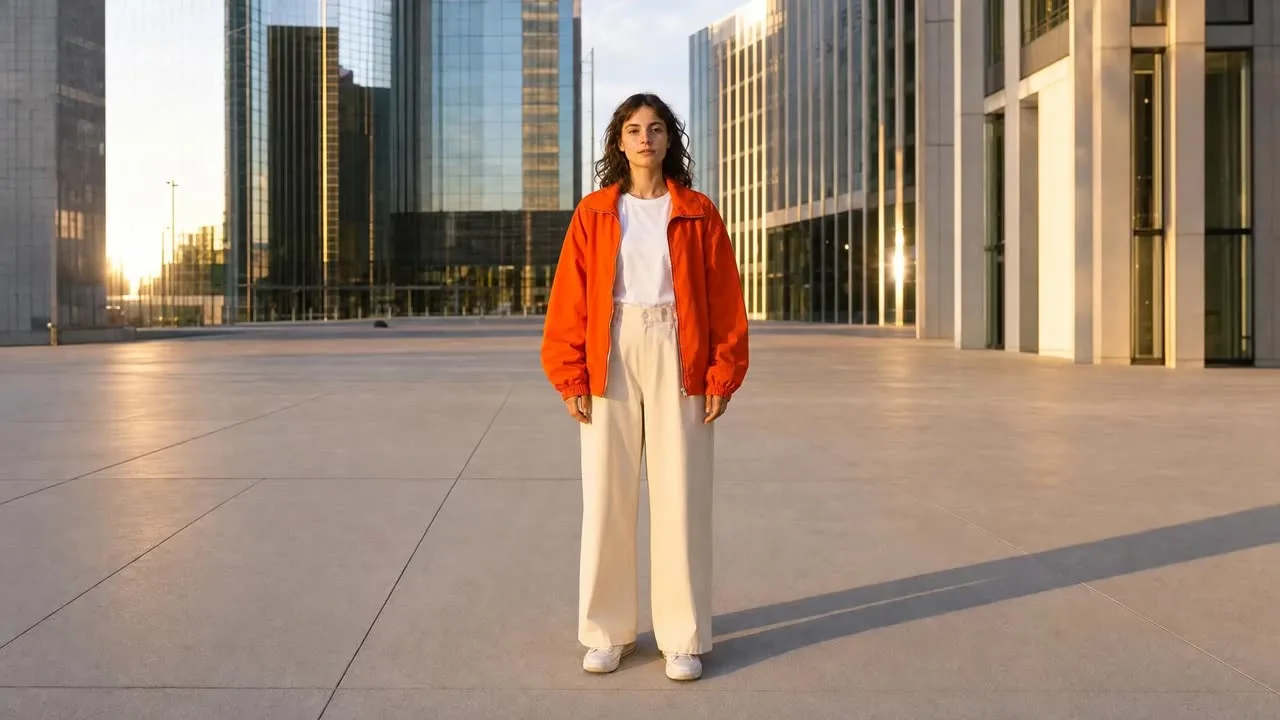
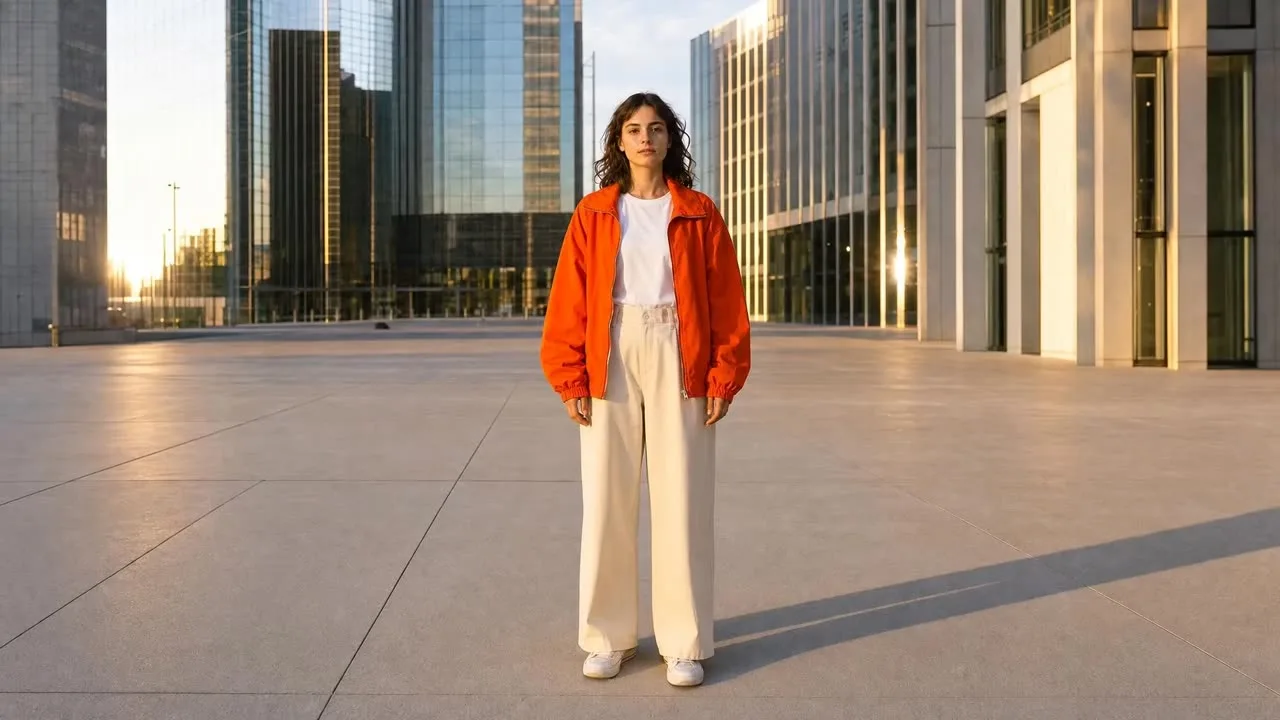
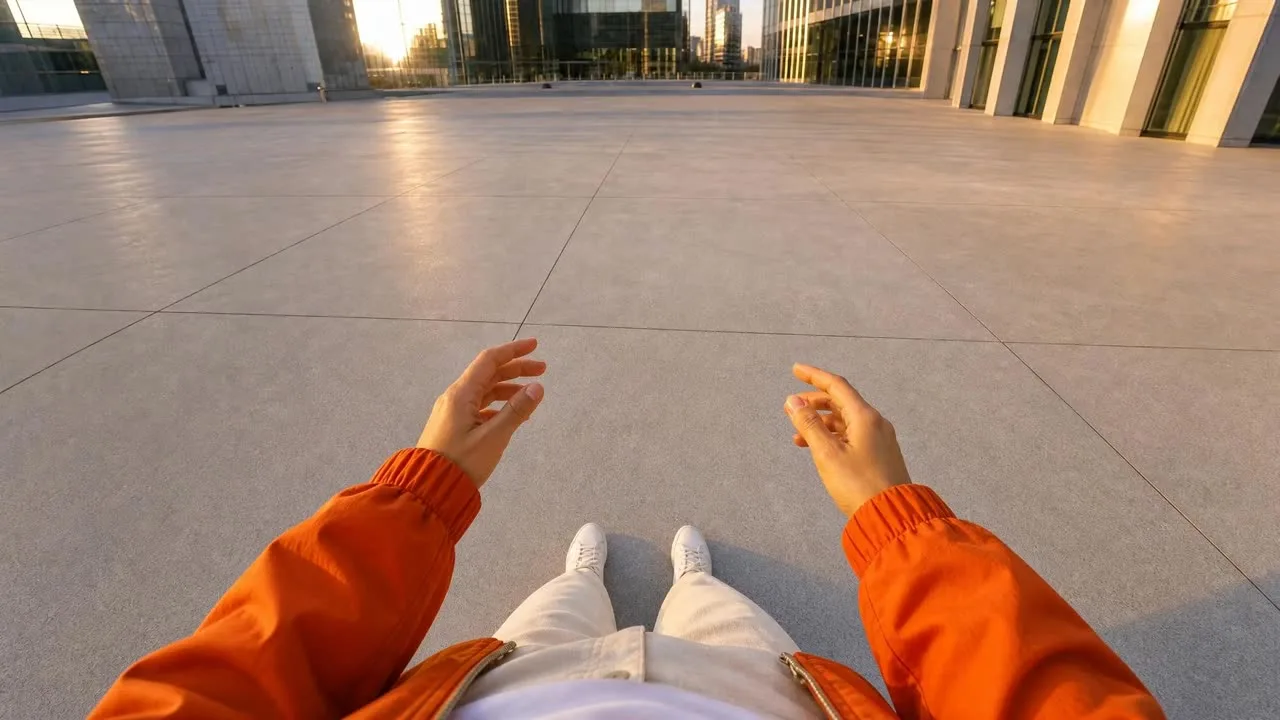
These drive an AI video model, not a still. Each is a five-part recipe — the move itself, the camera action, the pace, what has to stay locked and readable through the move, and how the shot resolves at the end — plus a duration. The card shows a still from each movement’s demo clip; the live library plays all fifteen. Tap Copy prompt on any card.
All 15 movements
Filter by family or search. Each card is a movement, a still from its clip and its full recipe; Copy prompt takes the whole thing.
This library pairs with an automated Pletor workflow (the “Movement workflow” link above) that runs the prompts for you, and a full walkthrough is in the tutorial video. The companion libraries cover the other two halves of the same system.